
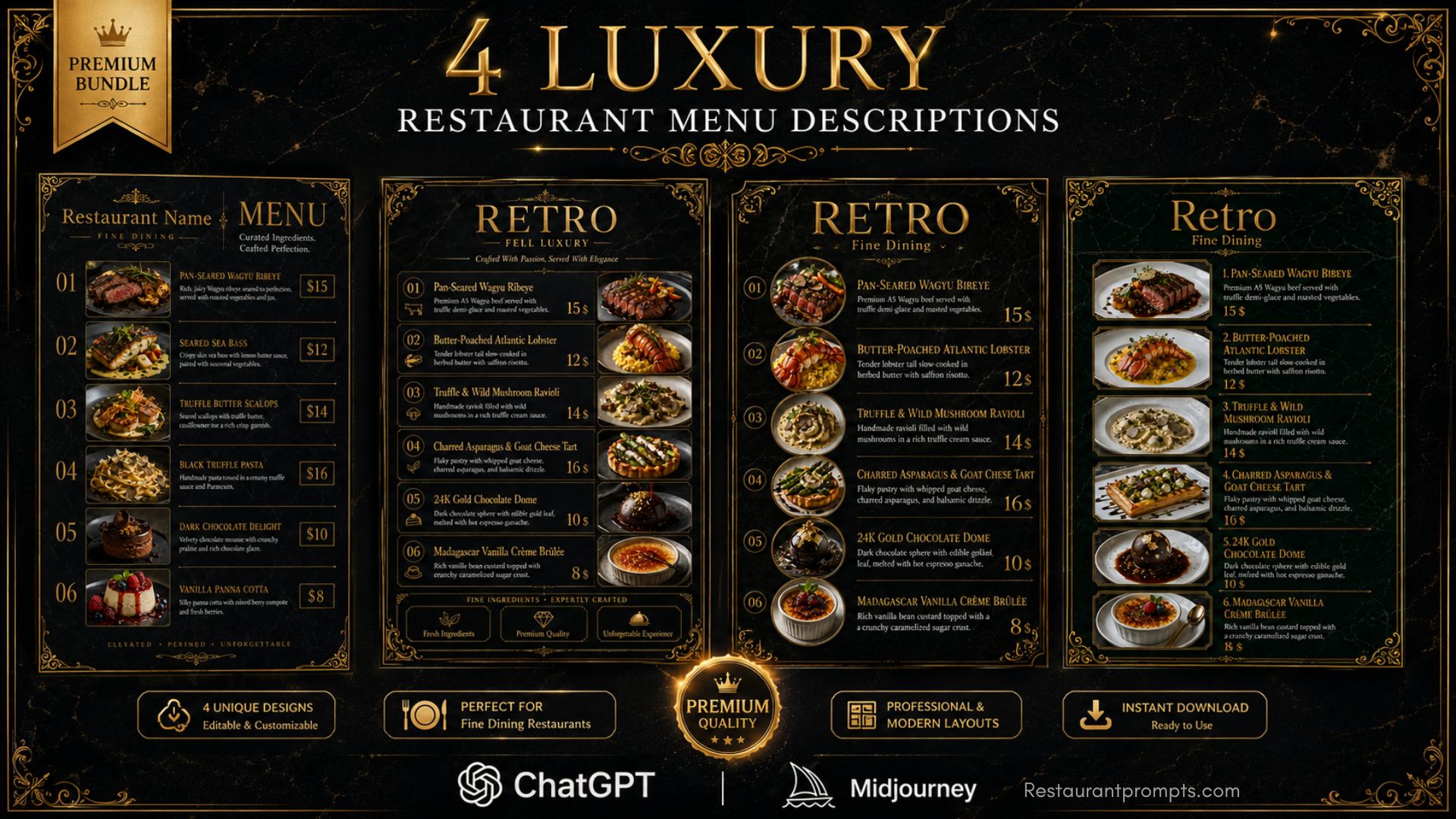
Nowadays, restaurant owners are always looking for new ways to make their menus more attractive and visually appealing. That’s why we’ve created our latest 2026 ChatGPT Prompts for Luxury Restaurant Menu Descriptions. These professionally designed prompts will help you create elegant, eye-catching restaurant menus with ease.
Luxury Restaurant Menu Descriptions
Along with the prompts, we also provide fully editable Canva templates to make the design process even easier.
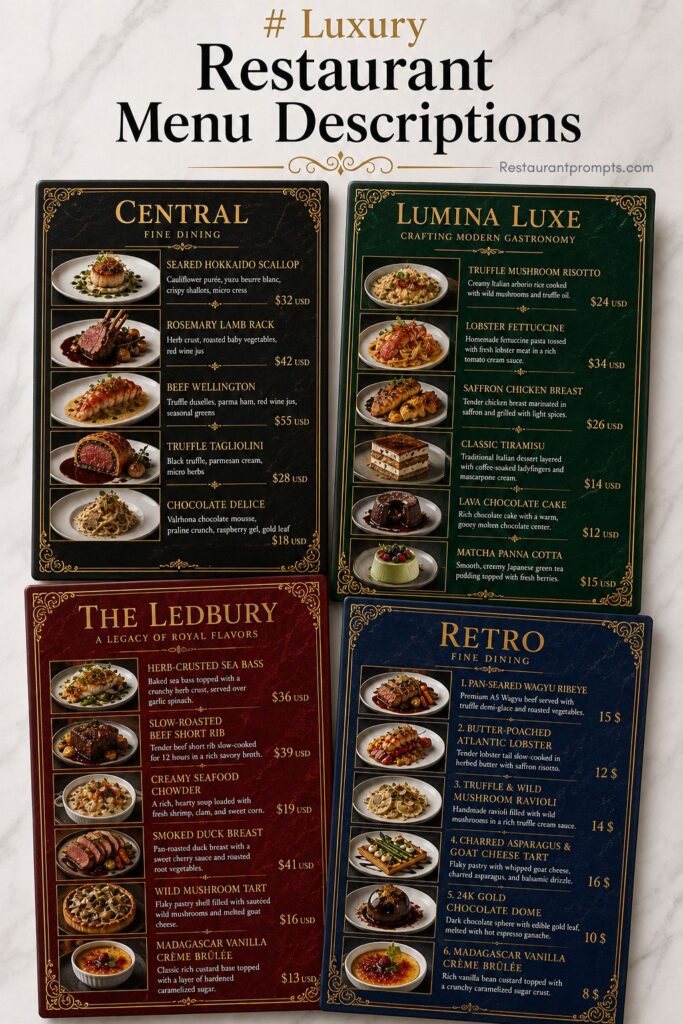
We have designed these restaurant menus with a premium luxury style. You can generate them using ChatGPT, Midjourney, or Google Gemini AI. All menu prompts are neatly organized in a single PDF file, and inside the PDF you will also find the link to access the Canva templates.
- 4 Luxury ChatGPT Menu Description Prompts (PDF, Note)
- Fully Editable Canva Template Link
- Works with ChatGPT, Midjourney & Google Gemini AI
- Editable Dish Name, Price, Font, Color & Currency
- Add 1 to 15+ Dishes Easily
- Step-by-Step Instructions Included
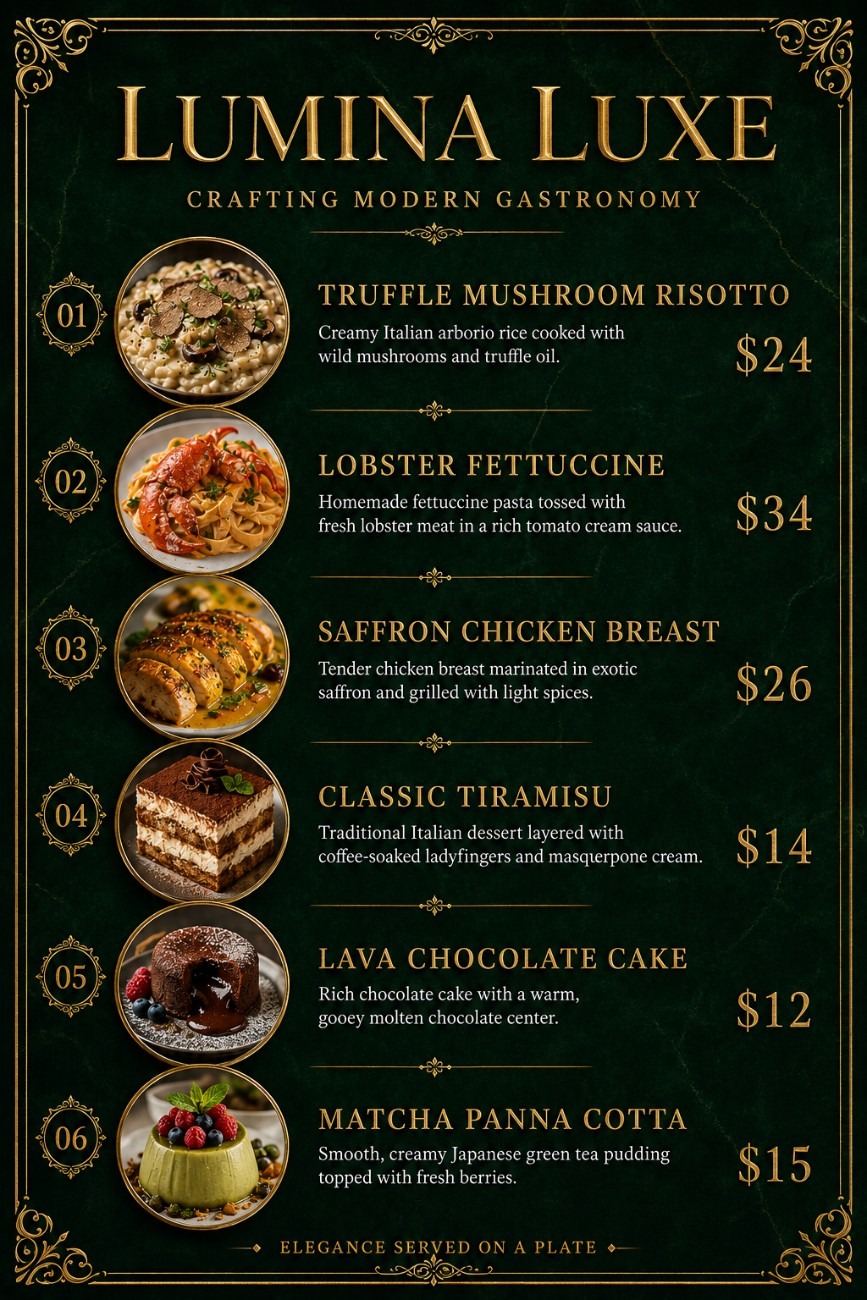
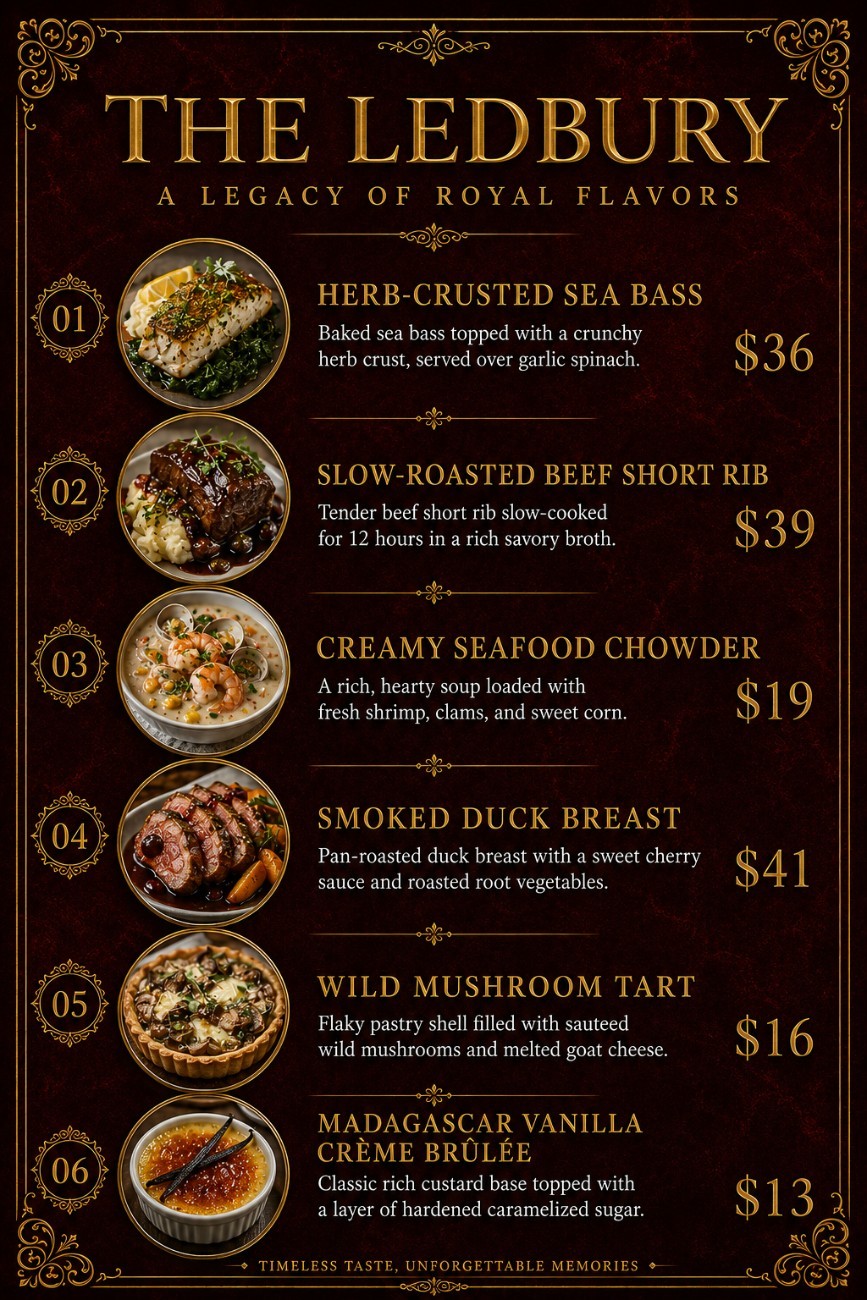
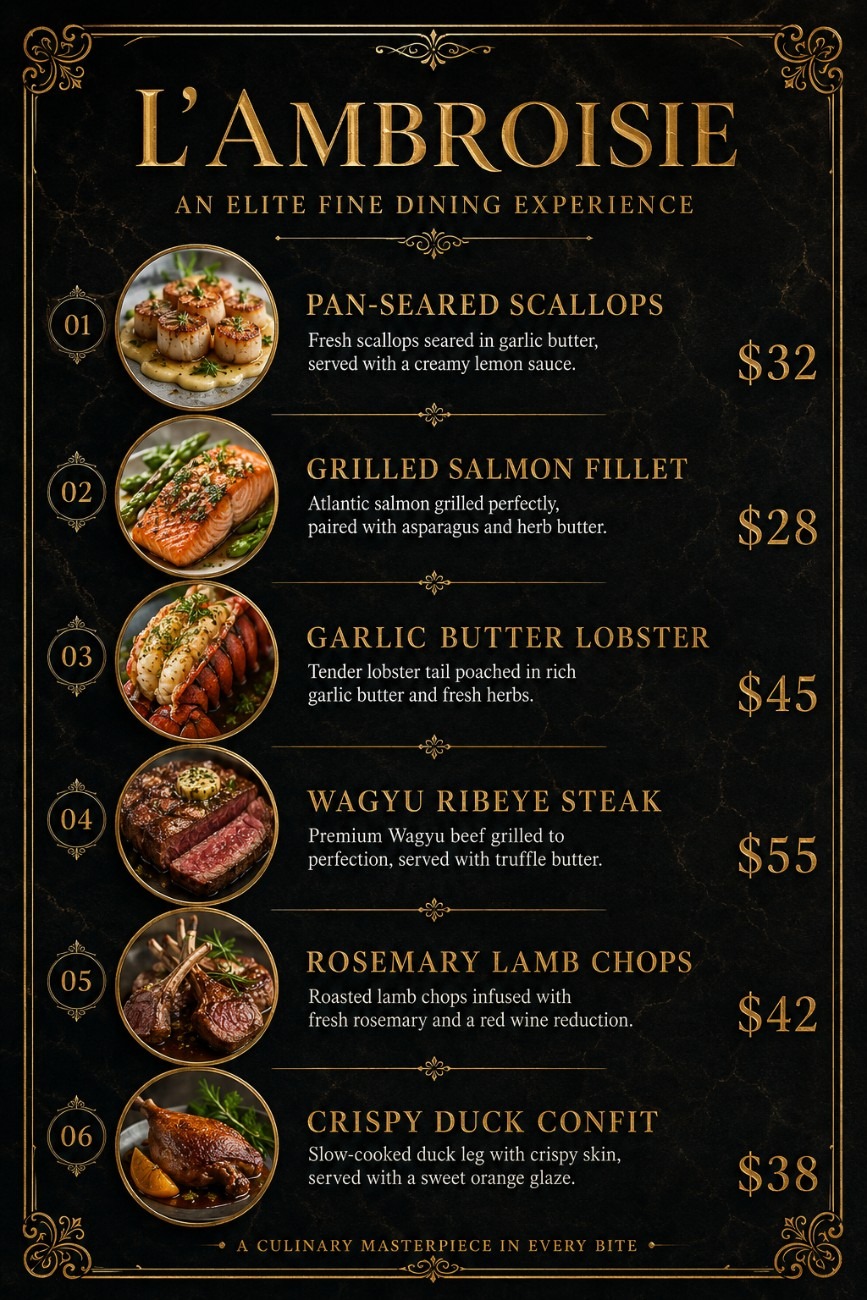
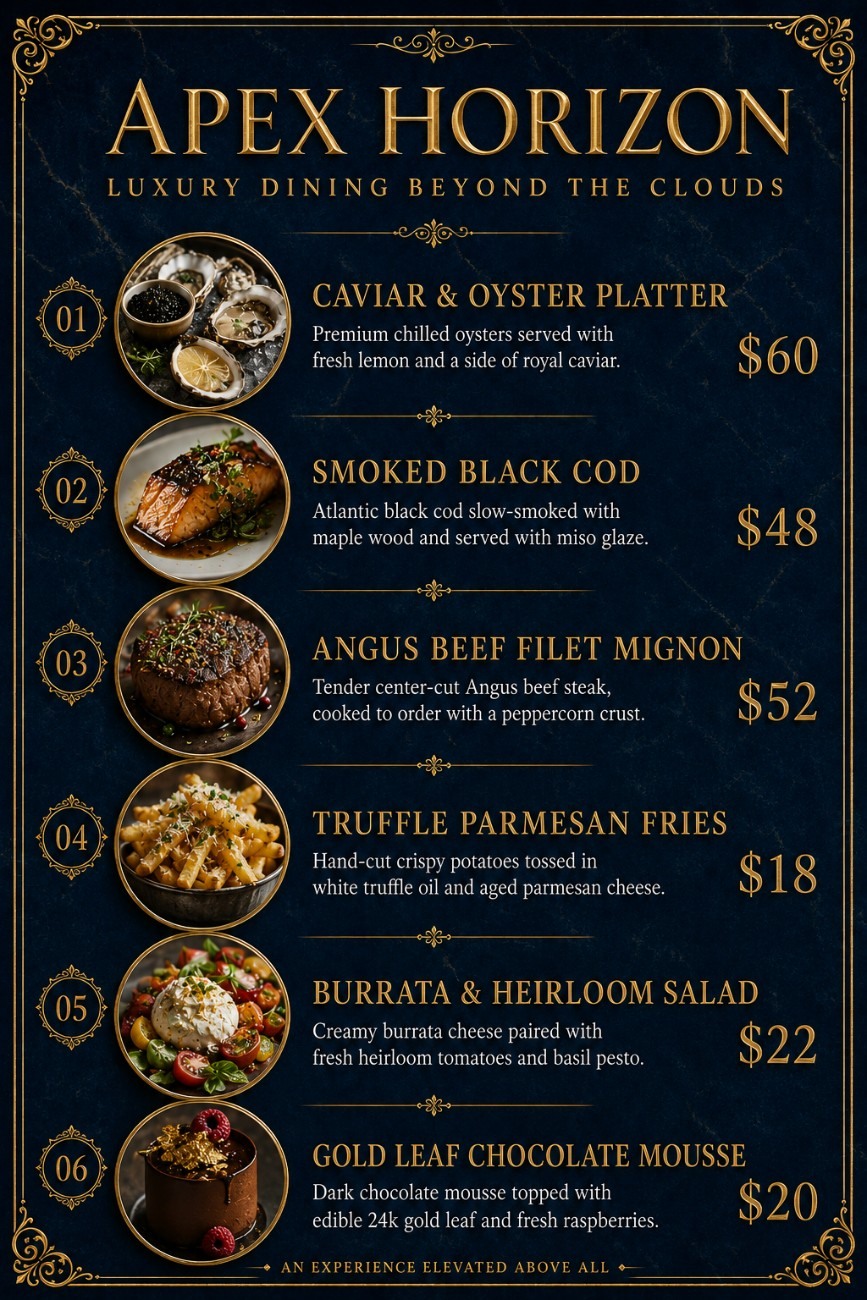
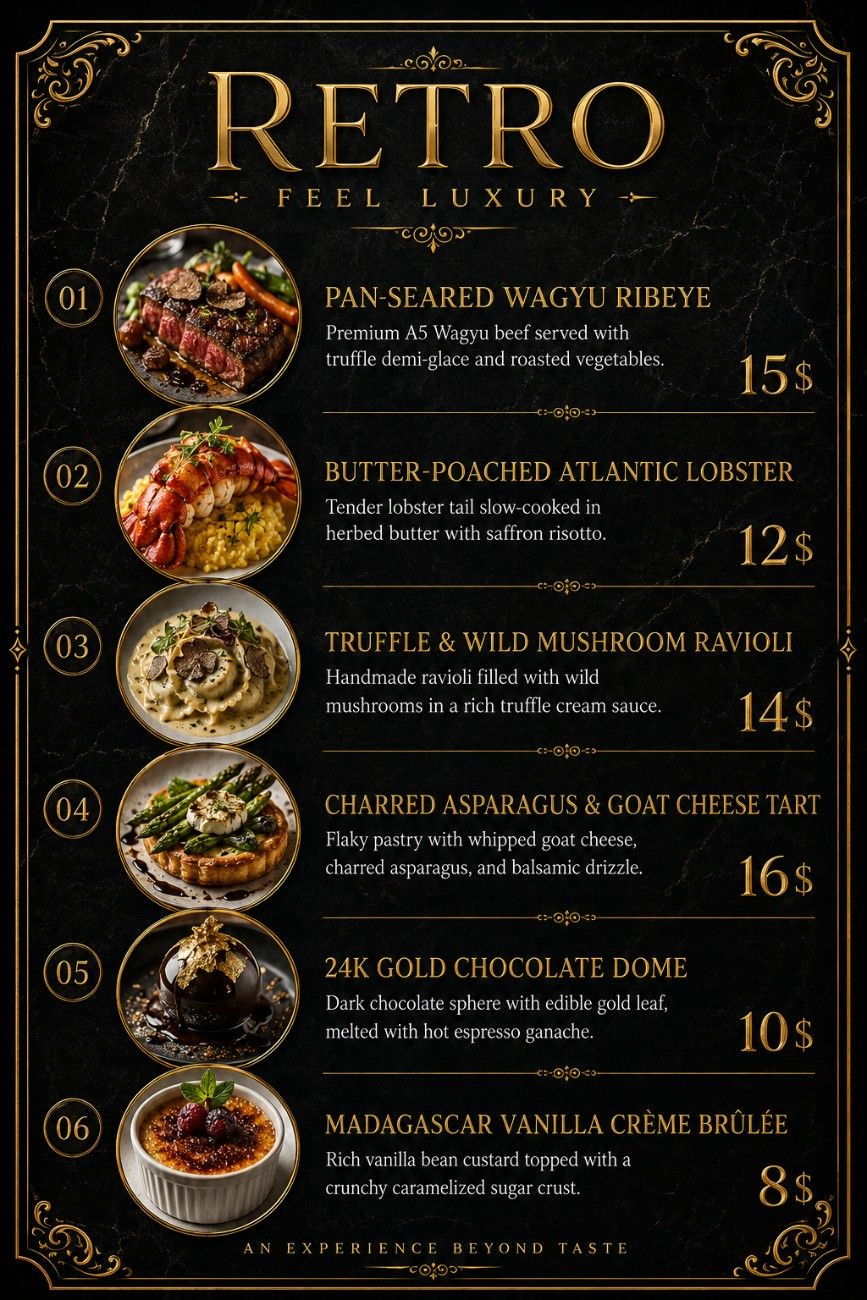
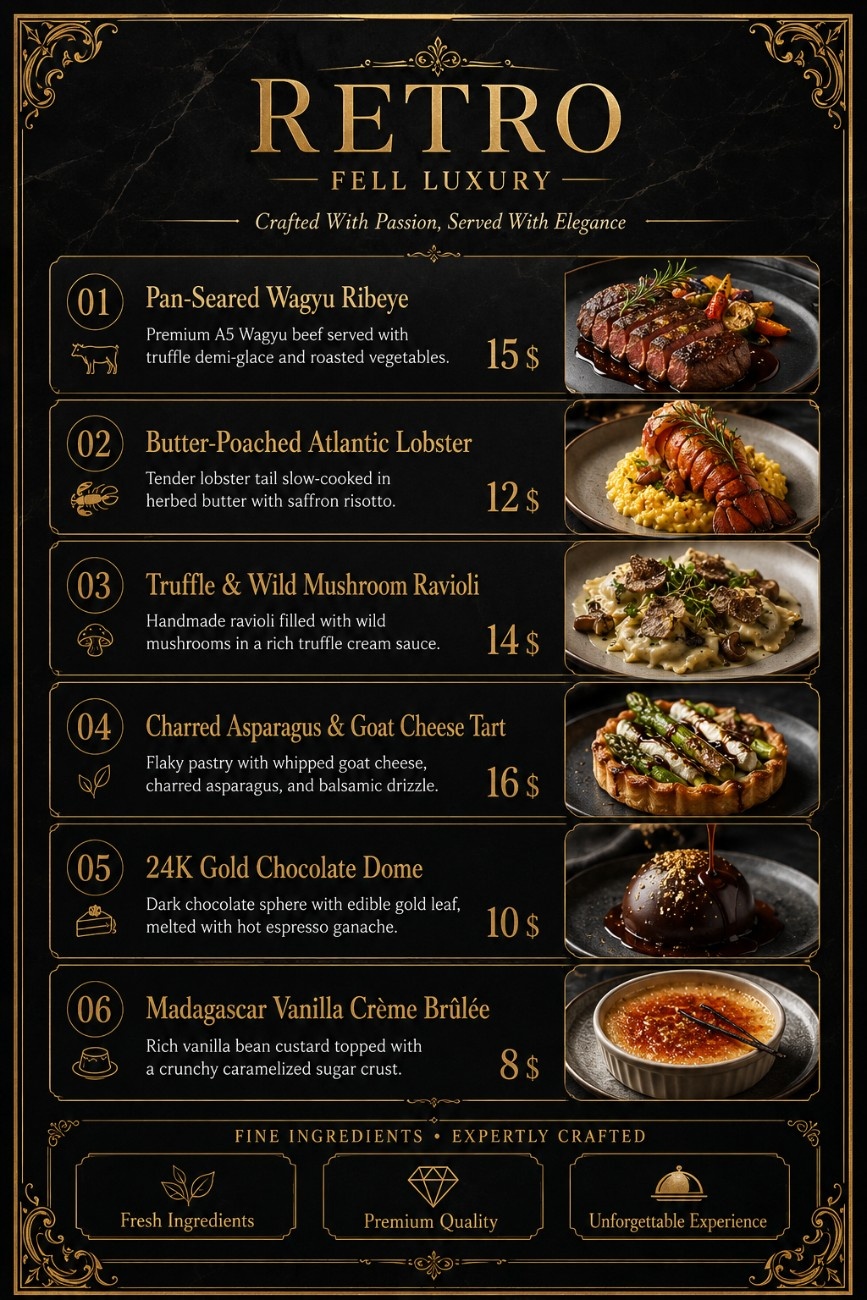
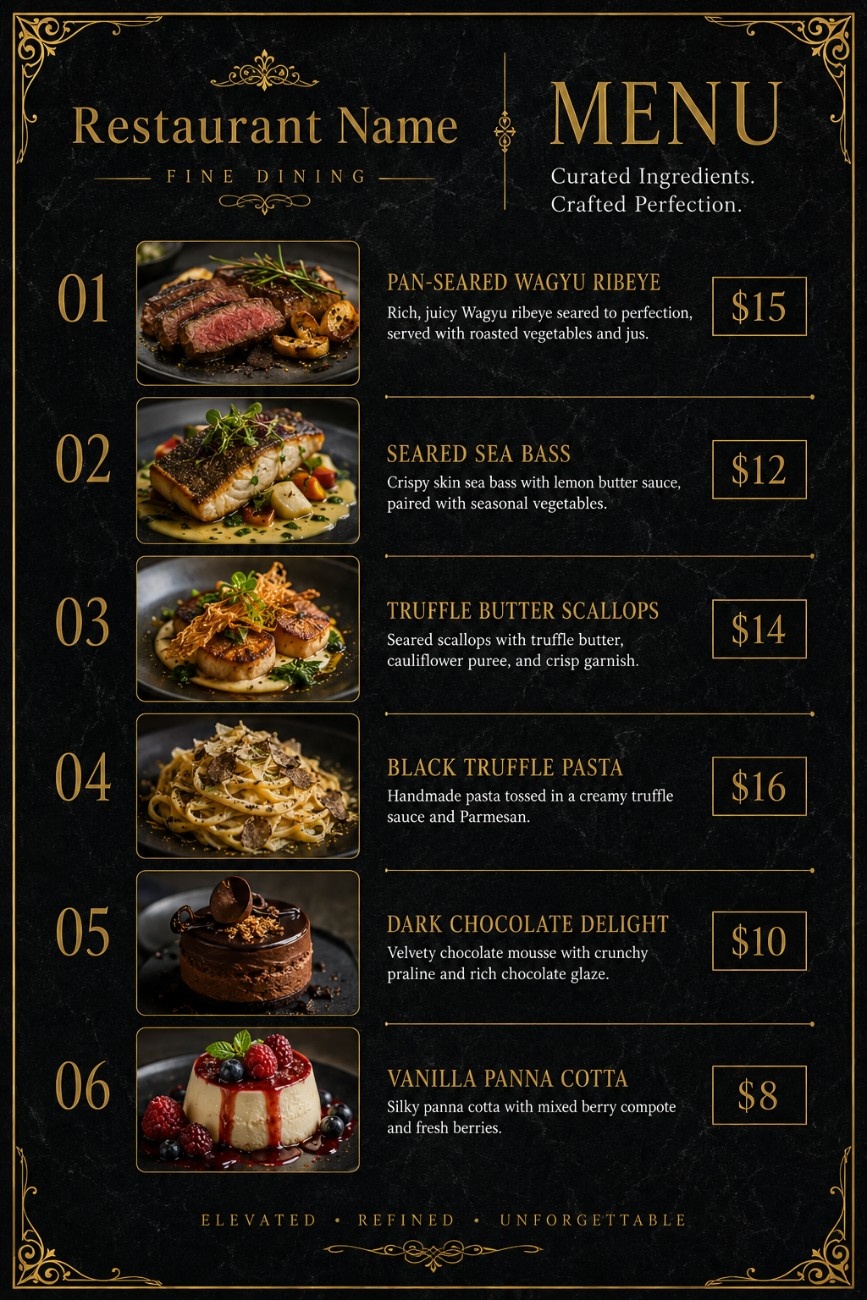
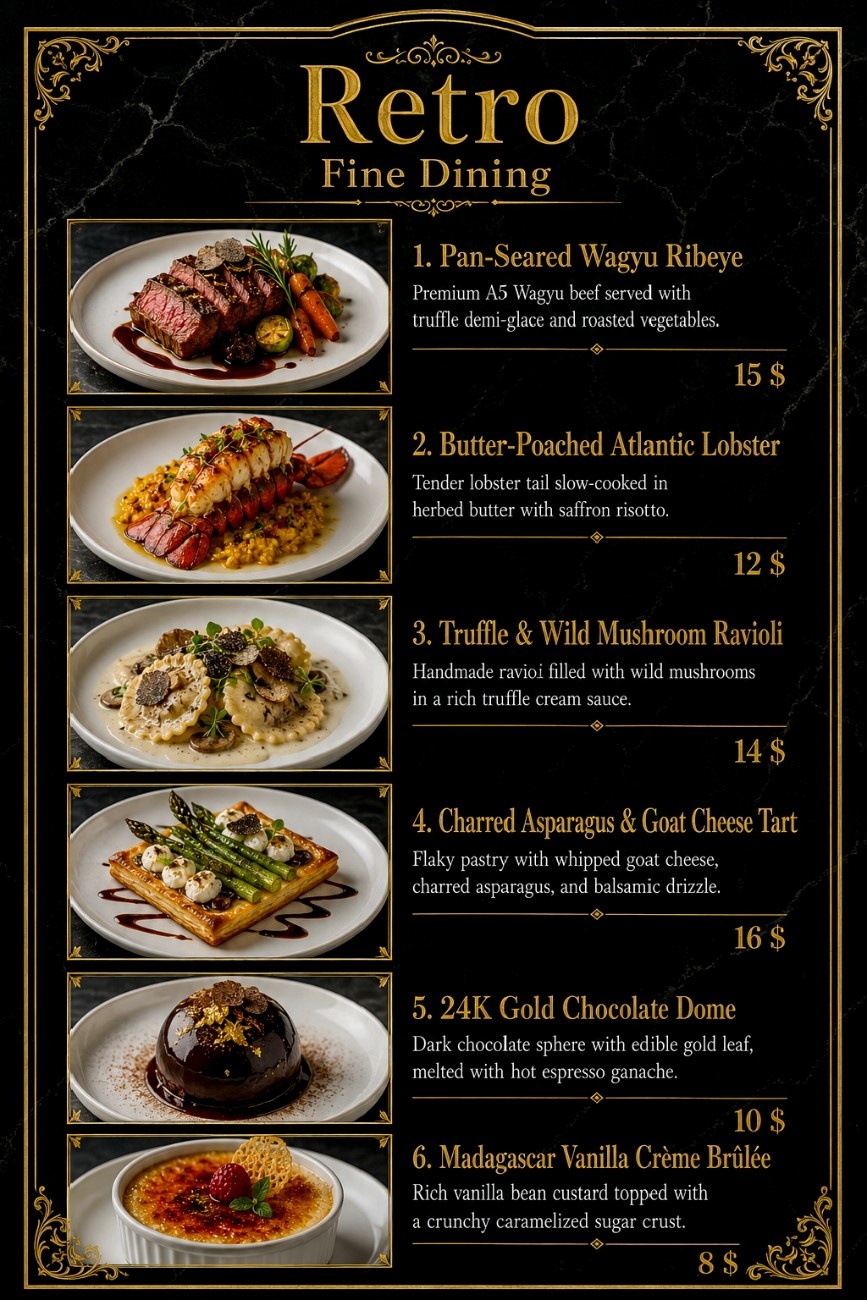
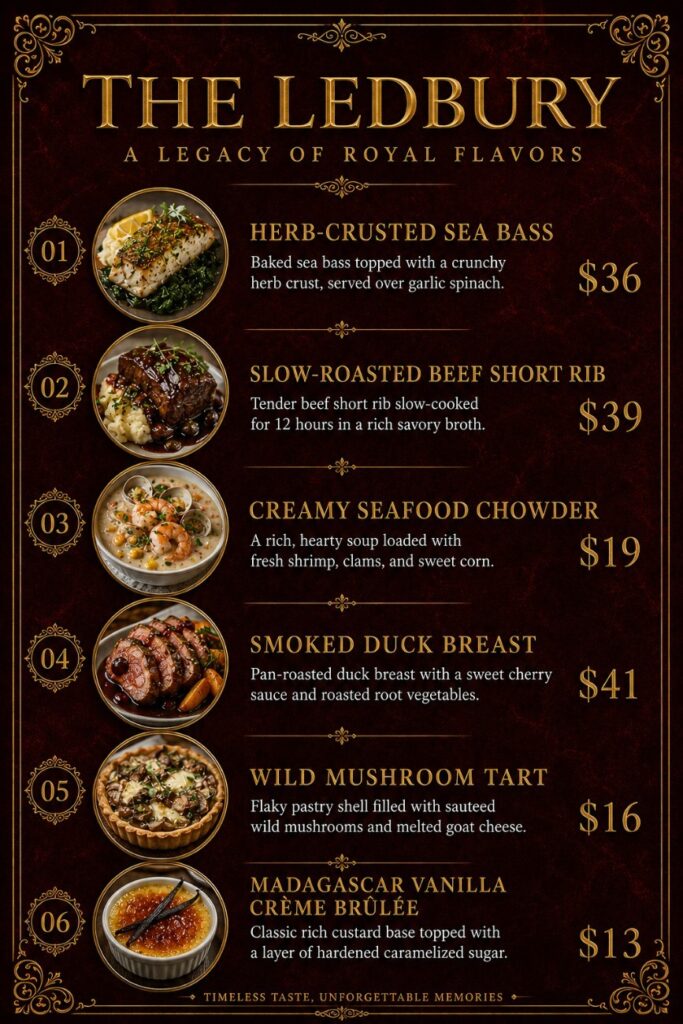
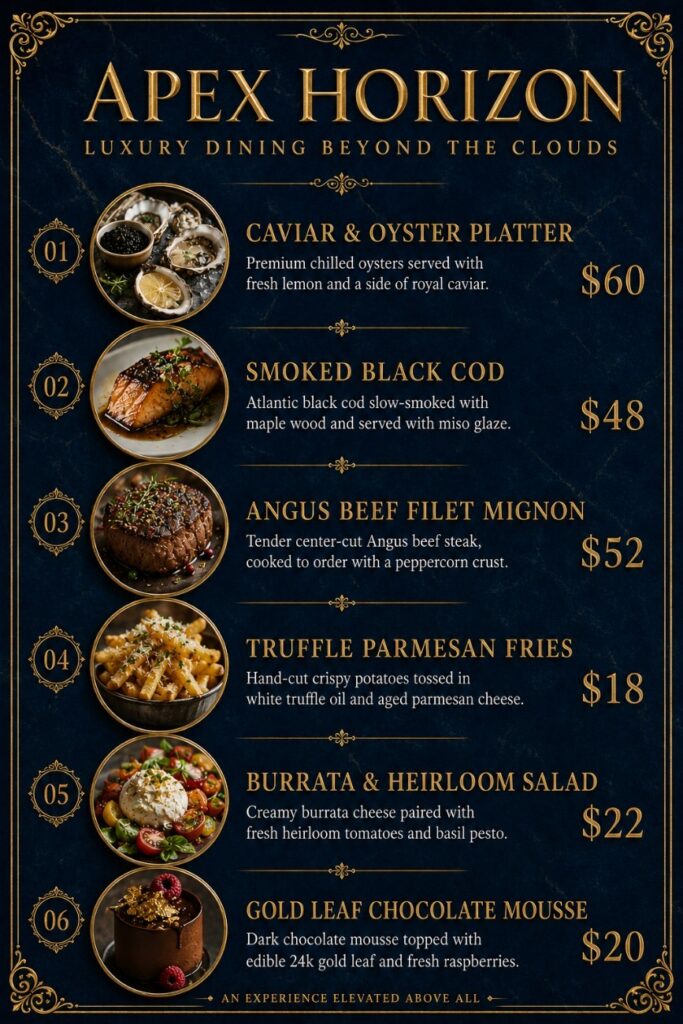
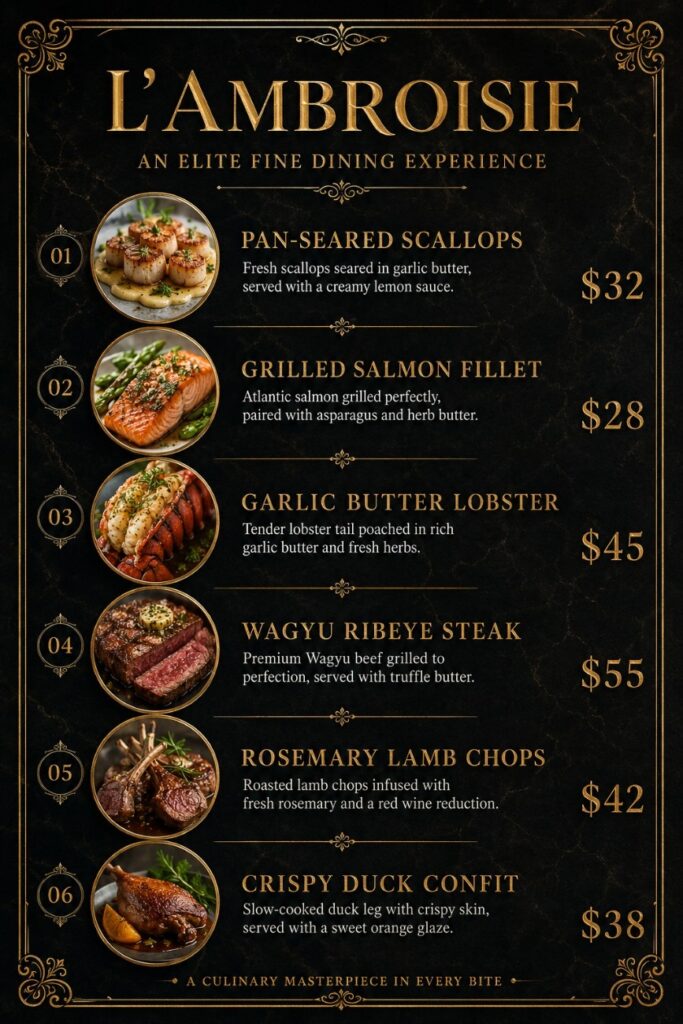
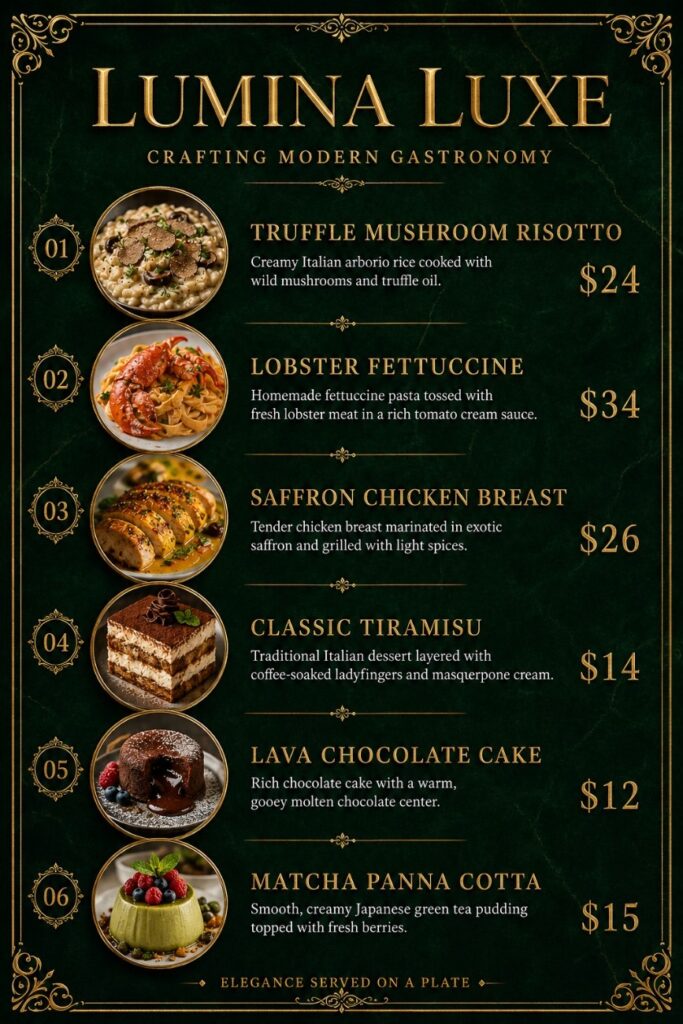
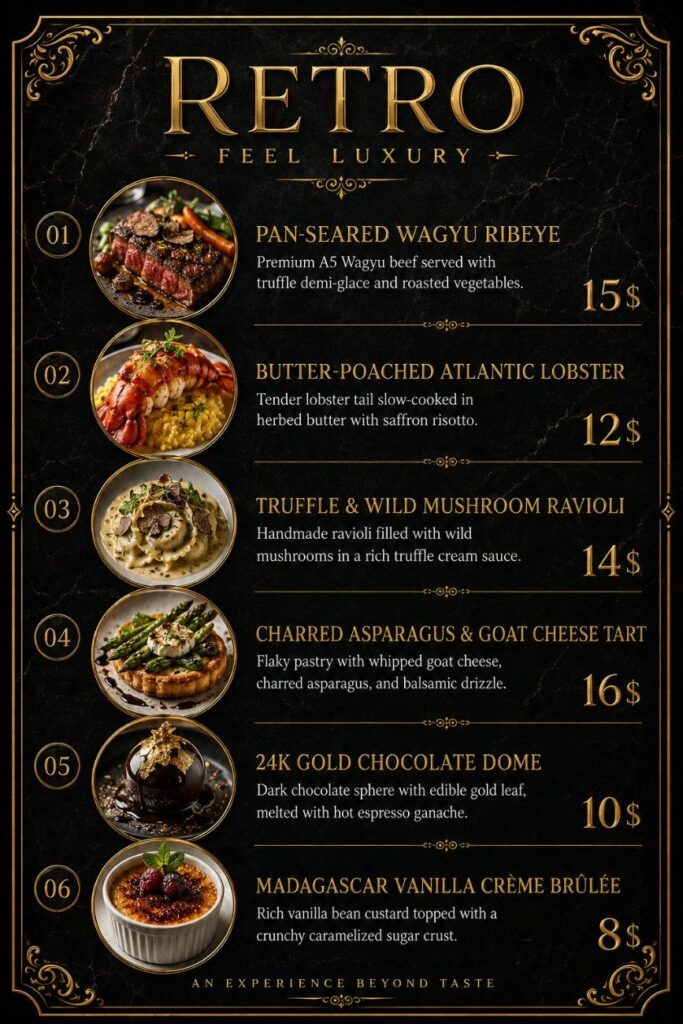
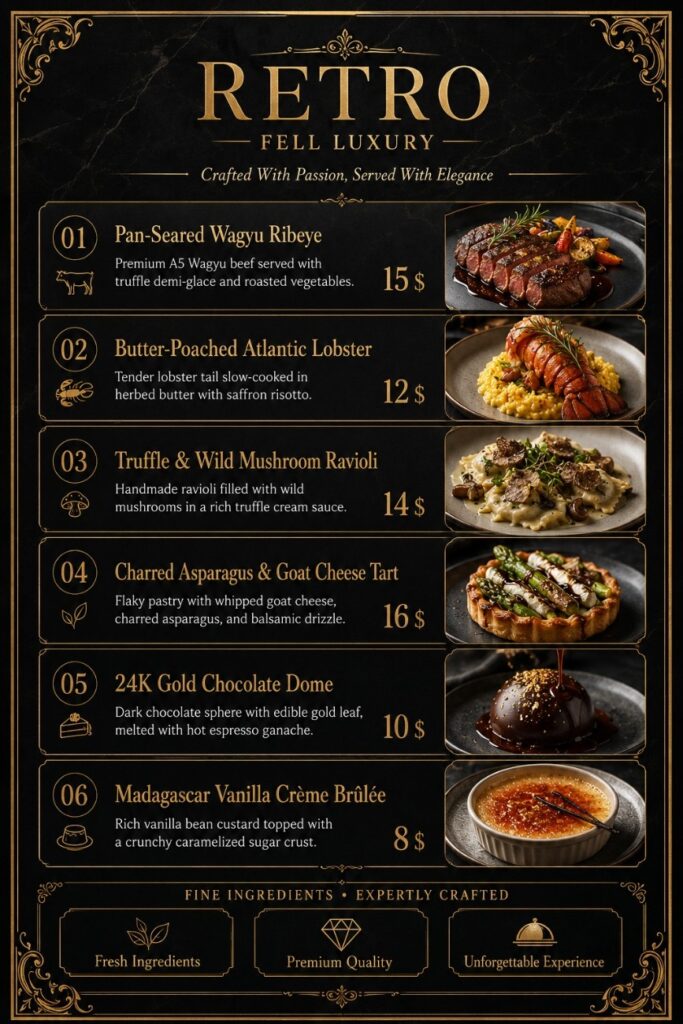
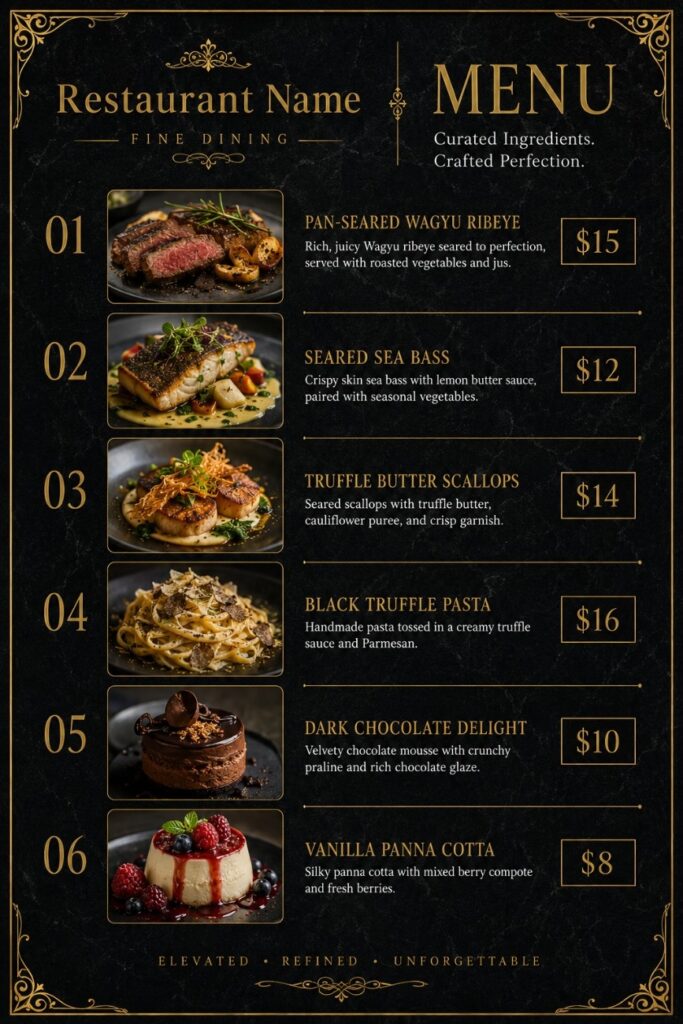
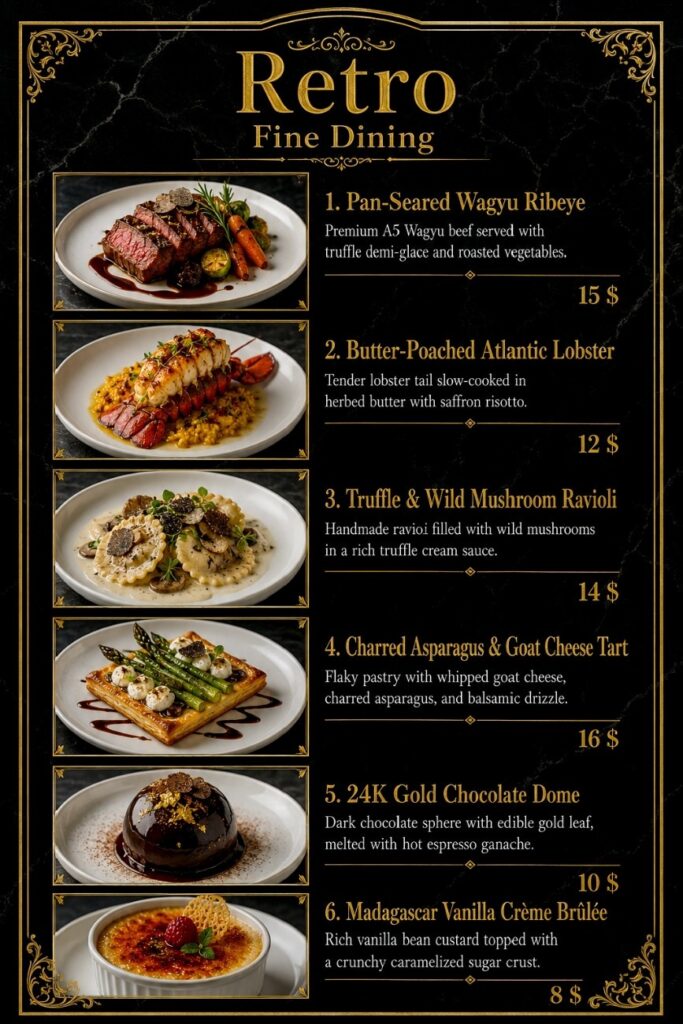
4 ChatGPT Prompts for Luxury
Restaurant Menu Descriptions

Simply copy and use our prompts in your preferred AI tool to generate your own luxury restaurant menu. Every part of the menu is fully editable, including:
Restaurant Name
Dish Name
Menu Descriptions
Image Replacement (AI-generated or Upload Your Own Image)
Font Style
Color Customization
Currency Change ($, €, or Any Currency)
Price Editing
Canva Template Editing
This prompt includes 6 dishes by default.
You can easily:
- Keep 6 dishes.
- Reduce to 5, 4, 3, 2, or even 1 dish.
- Increase to 8, 10, 12, 15, or more dishes.
Simply copy one complete Dish section and paste it below the last dish
All of these features are included in our prompt package.
Inside the prompt, you will see a placeholder like this:
How to Change the Restaurant Name
Bonus Included
One of the most valuable bonuses in this bundle is the fully editable Canva template. You can customize every element of the design to match your restaurant’s branding and style.
Restaurant Name: [Restaurant Name]

For example, if your restaurant is called Gothub, simply replace the placeholder with your restaurant name:

Restaurant Name: [Gothub]

You can edit every placeholder in the same way, including the dish names, menu descriptions, prices, colors, fonts, and much more. You can even upload your own food images or let the AI generate new images for your menu.

Complete step-by-step instructions are included in the PDF.
We hope you enjoy using our Luxury Restaurant Menu Prompt Bundle. If you have any questions or need assistance using the prompts, please feel free to contact us.
Email: restaurantprompts@gmail.com